"Off-Grid Operator #1: The Stack"
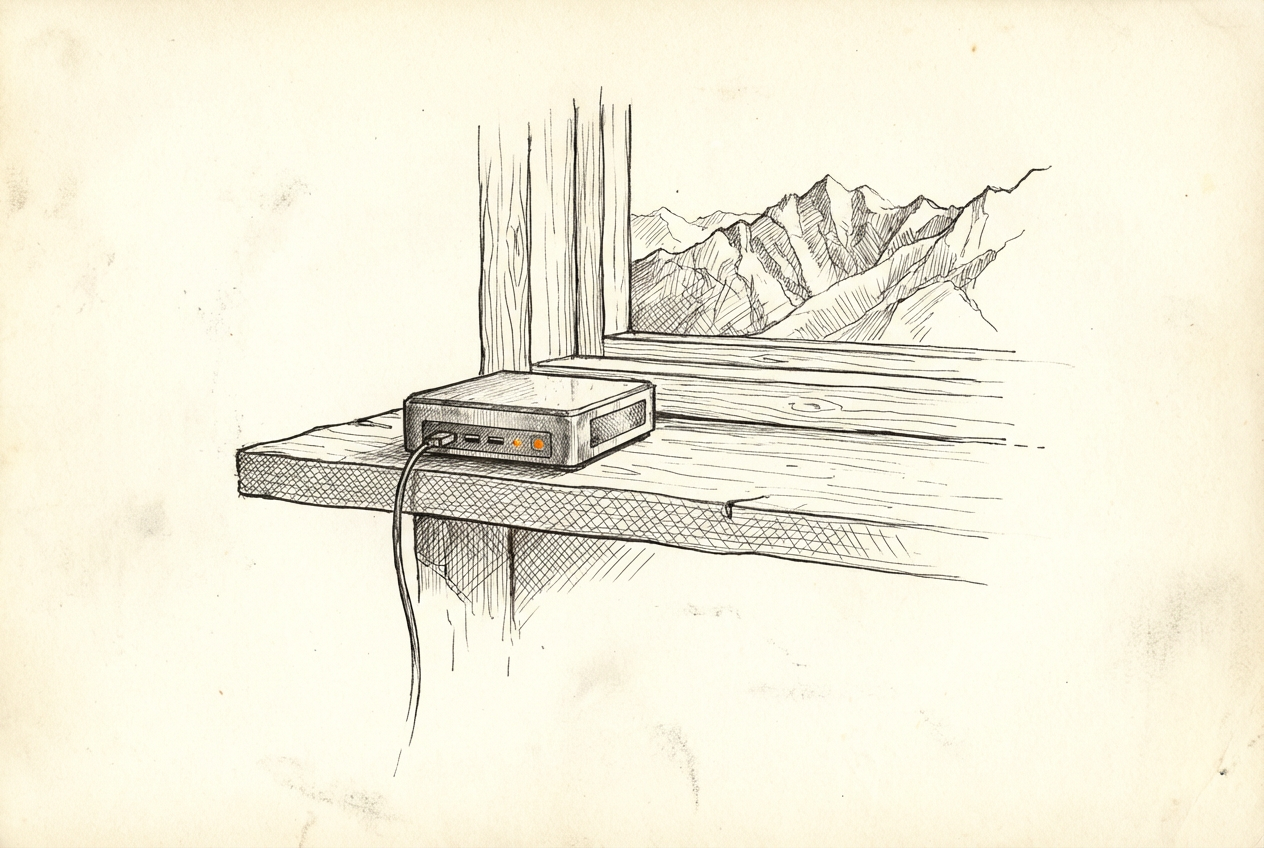
This is the first post in a weekly series. Real systems, real architecture, real failures — built and maintained from a cabin without grid power, 30 minutes outside Whitehorse. I’m a software developer with 25 years of experience. This is what I’ve built for myself.
My home office is an off-grid cabin in the Yukon.
No utility hookup. Power comes from a generator and a battery bank. Internet comes from a satellite dish. The nearest town is 30 minutes away. It’s also where I run my production infrastructure, maintain client systems, and build new things.
That context matters because it changed how I think about infrastructure. When your power is finite and your connection has real latency, you stop treating convenience as a free resource. You make different tradeoffs. And a lot of those tradeoffs, it turns out, produce better systems than I’d have built if I’d never had to.
The physical setup
Power: Battery bank (Flexboss) with a generator for charging. The batteries run the cabin and all the compute. Battery state of charge and temperature are monitored in real time via Home Assistant. If the SOC drops below a threshold or the battery temp climbs too high, I get an alert. This is monitoring that matters — not “is your web server up” but “is the physical foundation running.”
Connectivity: Starlink. It’s genuinely good. Latency around 20–40ms most of the time, 100–200Mbps download. The constraint is weather sensitivity in heavy snowfall and the fact that satellite links occasionally blip. So systems that depend on always-on connectivity get designed with that in mind: retries, local-first where possible, graceful degradation.
Compute: Two primary nodes:
- A mini PC in the cabin running CasaOS — this is the main compute node. Runs Home Assistant, n8n, and most persistent services as Docker containers.
- A small home server at my town property (Town Server) — runs additional Docker stacks, my Portainer instance, and handles anything I don’t want competing with cabin resources.
There’s also a VPS for anything that genuinely needs to be reachable from the public internet.
The network layer
Tailscale connects everything: cabin server, town server, VPS, my laptops, my phone. Every device that needs to talk to another is on the same private mesh network, regardless of which physical location it’s at.
The practical result: I can ssh xander@100.x.x.x into the town server from the cabin over Tailscale. Services running on the cabin node can call APIs on the town server. My dev machine can reach any of them. No public exposure required for internal services.
This is an ops strategy, not just a VPN. Almost nothing I run is publicly exposed. The VPS handles the rare exceptions. Everything else lives behind Tailscale, which means the attack surface is small by default.
What runs where
The split is intentional — the cabin node stays lean for reliability; the town server takes heavier persistent services.
Cabin (CasaOS mini PC):
- Home Assistant — the single pane of glass for all cabin sensors and automation
- n8n — automation workflows; pushes to HA, handles scheduled jobs, monitors things
- Various small services I’m experimenting with
Town Server:
- Portainer — manages containers across all three endpoints (cabin, town, VPS)
- Open Brain — self-hosted semantic memory service for my AI tools
- Mission Control — my personal task board and project management tool (Elixir/Phoenix)
- Docker registry — so I can build images once and pull them anywhere on the Tailscale network
VPS (Anlek Cloud):
- Public-facing bits: andrewkalek.com, anlek.com
- Anything that needs a real public IP
Day-to-day operations
I don’t SSH into every server to manage containers. Portainer handles that from a single web interface. Three endpoints, one dashboard.
For the things that need actual automation — scheduled jobs, event-driven triggers, alert routing — that’s n8n running on the cabin node. It’s connected to Home Assistant and can push to Slack, Matrix, or fire webhooks to anything.
For anything I want my AI assistant to handle (more on this next week), there’s a CLI toolkit in ~/bin that wraps every service with a consistent interface. portainer-query stacks, brain-search "query", ha-query, task-list. These work over Tailscale regardless of where I’m physically running the command.
Why this works
A few things I didn’t expect when I started:
Constraints produce discipline. When I can’t leave a dozen idle containers running because they draw power, I think about what actually needs to run. The result is a leaner stack than I’d have built with unlimited resources.
Local-first beats cloud-first at this scale. My response time for internal queries is sub-millisecond. I’m not paying for compute time. I own the data. The downside is that I maintain the infrastructure — but at personal scale, that’s an afternoon a month, not a team.
Monitoring what matters. Battery SOC and temperature are real production metrics for me. The fact that I monitor them the same way I’d monitor a database or API response — with thresholds, alerts, and history — is the right framing. Infrastructure is infrastructure. Physical or digital.
The honest tradeoffs
Satellite connection means I’ve had deploy scripts time out. I’ve had container pulls fail mid-way. I’ve had moments where I couldn’t push to a remote because the link was saturated with something else.
Generator power means I’m conscious of what I leave running overnight. A compute-heavy process I wouldn’t think twice about on grid power gets scheduled differently here.
These aren’t complaints. They’re the constraints that made me build better systems.
Next week: how I built a team of AI agents that handle research, coding, DevOps, and writing — and what went wrong before I figured out how to orchestrate them properly.
If you want this kind of infrastructure — self-hosted, Tailscale-connected, actually yours — built for your stack, that’s what I do. Work with me →